




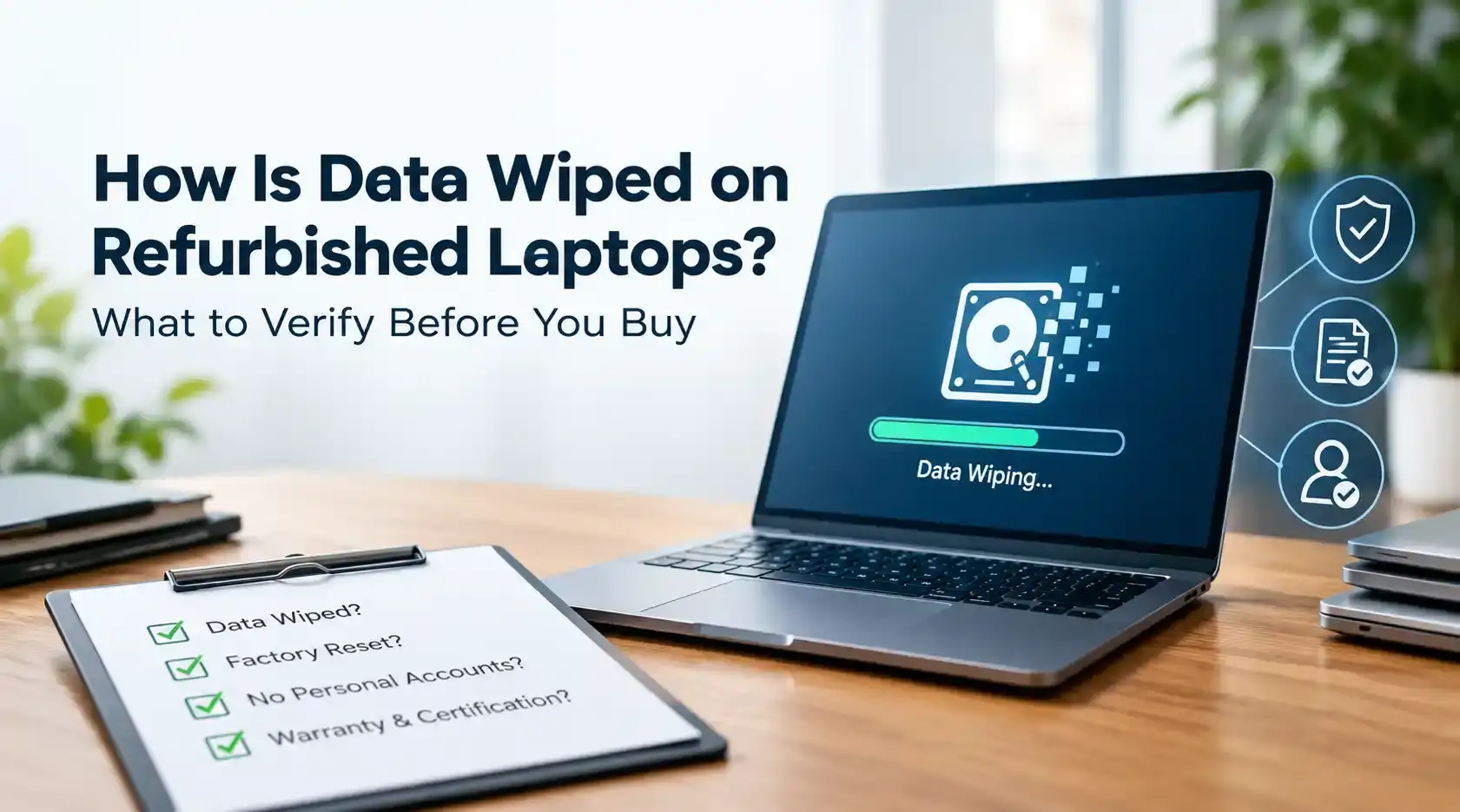
A laptop that looks clean on the outside can still hold a surprising amount of the previous owner's data. Resetting Windows or wiping the desktop doesn't touch everything, cached login credentials, browser history, and leftover files can survive a basic reset. For a business buying laptops in bulk, that's not a minor detail. It's the difference between a clean fleet of devices and a compliance problem waiting to surface. Here's what actually happens during proper data sanitization, and what to check before you sign off on an order.
A single unwiped drive in a batch of fifty units is still a single unwiped drive too many. If a business buyer resells or deploys those devices without confirming sanitization, any data left behind, customer records, financial documents, saved credentials, becomes the buyer's liability, not the original owner's. Under frameworks like GDPR in the EU or HIPAA in the US, organizations handling personal or health data must account for how that data is protected, including on hardware that changes hands. A healthcare provider or financial services firm buying refurbished equipment faces more exposure than most, since the data involved is more sensitive by definition.
Refurbished laptops also tend to pass through more hands than new devices: the original owner, the refurbisher, and sometimes a reseller in between. Each step is a point where sanitization can be done correctly, done poorly, or skipped. That's why supplier vetting isn't only a hardware conversation. It belongs on the same checklist as your compliance review.
Overwriting replaces existing data on the drive with new patterns of ones and zeros, repeated across the full storage area. Older standards called for multiple passes, but NIST 800-88 recognizes that a single full overwrite is sufficient for most modern hard disk drives. This method works well for traditional HDDs but takes longer on higher-capacity drives, and a supplier processing hundreds of units needs software that logs each drive's status individually rather than one blanket confirmation for the whole batch. Ask whether your supplier verifies the overwrite completed successfully, not just that the process was started. A log that only records "job initiated" tells you very little.
Instead of overwriting the data itself, cryptographic erasure destroys the encryption key that protects it. Without the key, the data on the drive is unreadable, even if someone extracts the raw disk. This method takes seconds rather than hours, which is why it's become the default for solid-state drives (SSDs) with built-in self-encryption, a category that includes most laptops manufactured in the past several years. For a refurbisher moving large volumes of stock, that speed is a practical necessity. The risk shows up when a supplier applies an HDD-style overwrite to an SSD out of habit rather than confirming the drive type first. The two storage technologies don't behave the same way, and treating them identically can leave gaps.
Physical destruction is exactly what it sounds like: shredding or otherwise turning off the drive so it can never be read or reused. It's the right call when a drive fails sanitization testing, when you can't verify its condition, or when a client's compliance requirements demand it regardless of the drive's actual state. It's also the most expensive option for a refurbisher, since a destroyed drive can't be resold. A supplier who defaults to destruction on healthy drives is likely cutting corners on verification rather than actually improving security. On the other end, a supplier with no destruction process has no fallback plan for drives that genuinely fail. Suppliers worth working with document a specific reason each time they use destruction.
NIST SP 800-88 Rev. 1, published by the National Institute of Standards and Technology, defines three sanitization categories: Clear, Purge, and Destroy. Clear covers standard overwriting suited to lower-risk data. Purge covers methods, including cryptographic erasure, appropriate for higher-risk data where the drive will be reused. Destroy is reserved for the highest-security cases where the media is taken out of service entirely.
The standard also treats HDDs, SSDs, and hybrid drives differently, because a method that fully clears an HDD doesn't necessarily clear an SSD the same way, due to how SSDs manage wear leveling and data placement internally. A supplier that applies the same process to every drive type, regardless of underlying technology, isn't following 800-88 correctly, even if they say they are. It's a reasonable baseline to ask about even outside the US, since many countries' data protection frameworks reference comparable sanitization principles.
A supplier confident in their process will provide a certificate of data destruction for each unit, listing the method used, the standard it complies with, and the drive's serial number. Some go further and provide a full wipe log showing each attempt, including any drive that initially failed and had to be reprocessed. If a supplier hesitates to provide this, or only offers one generic certificate covering an entire shipment, treat that as a signal rather than a formality.
Per-unit documentation matters because it lets you trace a specific device's sanitization history later, if a question ever comes up during an audit or an internal review. It's also worth asking how long the supplier retains these records. A certificate that gets deleted after a few months is far less useful than one you can request again a year later.
Before placing a large order, ask your supplier which wiping method they use for each drive type and whether that process aligns with NIST 800-88 or a comparable standard. Ask if a certificate of destruction is included with every shipment, not just available on request. Ask what happens to a drive that fails sanitization testing, and whether that failure is confirmed by an internal check or an independent audit. Ask how devices are tracked from intake through resale, since a clear chain of custody is what makes the rest of the documentation credible. And if you're a recurring buyer, ask about consistency across orders. A process that works cleanly once should work the same way on the next shipment and the one after that.
Verifying how a supplier wipes data on refurbished laptops isn't a formality, it's part of protecting your organization from a liability you didn't create. Confirm the method used for each drive type, check that it lines up with NIST 800-88, and don't finalize a bulk purchase without per-unit certificates in hand.
Does bulk pricing typically include the cost of data sanitization?
Most refurbishers build sanitization into their per-unit cost rather than billing it separately. Ask for a breakdown so you know what you're paying for at each order tier.
Where can I find refurbished laptop suppliers with verified data wiping practices?
Look at direct refurbisher websites and B2B trade platforms, and ask each one for a sample certificate of destruction before you place an order. A supplier unwilling to share one before the sale is unlikely to improve after it.
What certifications should a refurbished laptop supplier have?
NIST 800-88 alignment and a documented chain of custody are the baseline. R2v3 and e-Stewards certification are additional signals that a supplier handles end-of-life electronics responsibly.
How can I confirm laptops were wiped correctly before I buy?
Request the certificate of destruction tied to that specific unit's serial number. A supplier with a mature process will provide it without pushback.
Is verified data wiping expensive compared to unverified stock?
The cost difference is small relative to the cost of a data exposure incident tied to an unwiped drive. It's one of the cheaper safeguards available in this process.
Refurbished laptops need to be wiped with met
READ FULLThe label on a refurbished product listing doesn't tell you much on its own. Two laptops can both
READ FULLWhen you buy refurbished laptops in bulk, the biggest risk is rarely the hardware itself. It is t
READ FULL

Have a question or need a quote? Fill out this form and our team will get back to you quickly!